The native player for the music you own
Sonistry is a fast, focused music player for your own library. No streaming, no ads, no clutter — just your collection, played beautifully.

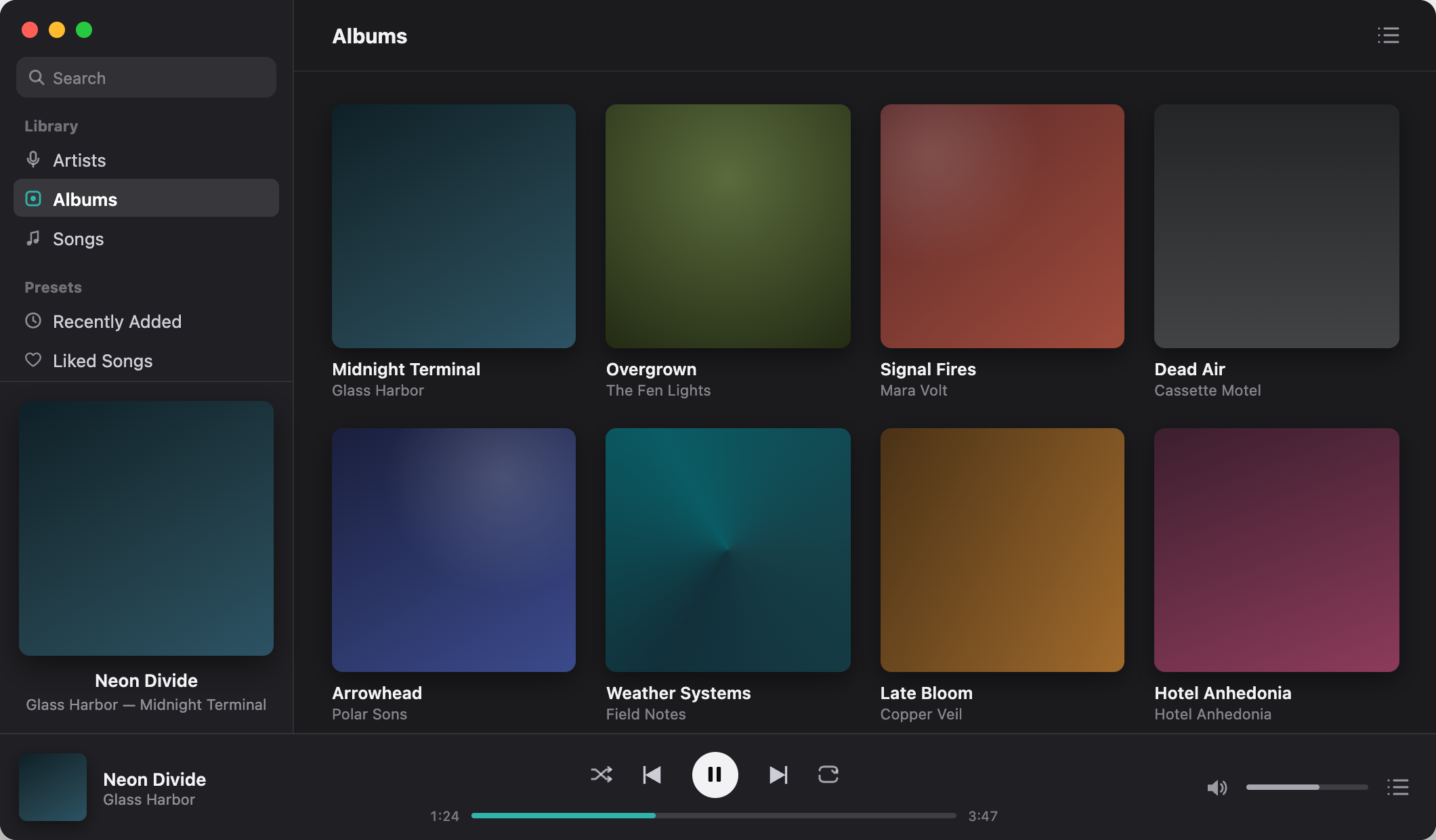
The Library
Ten thousand albums should feel as light as ten.
Sonistry indexes your collection in seconds and keeps it instant. Browse by artist, album, or song with per-album play controls exactly where your cursor already is.
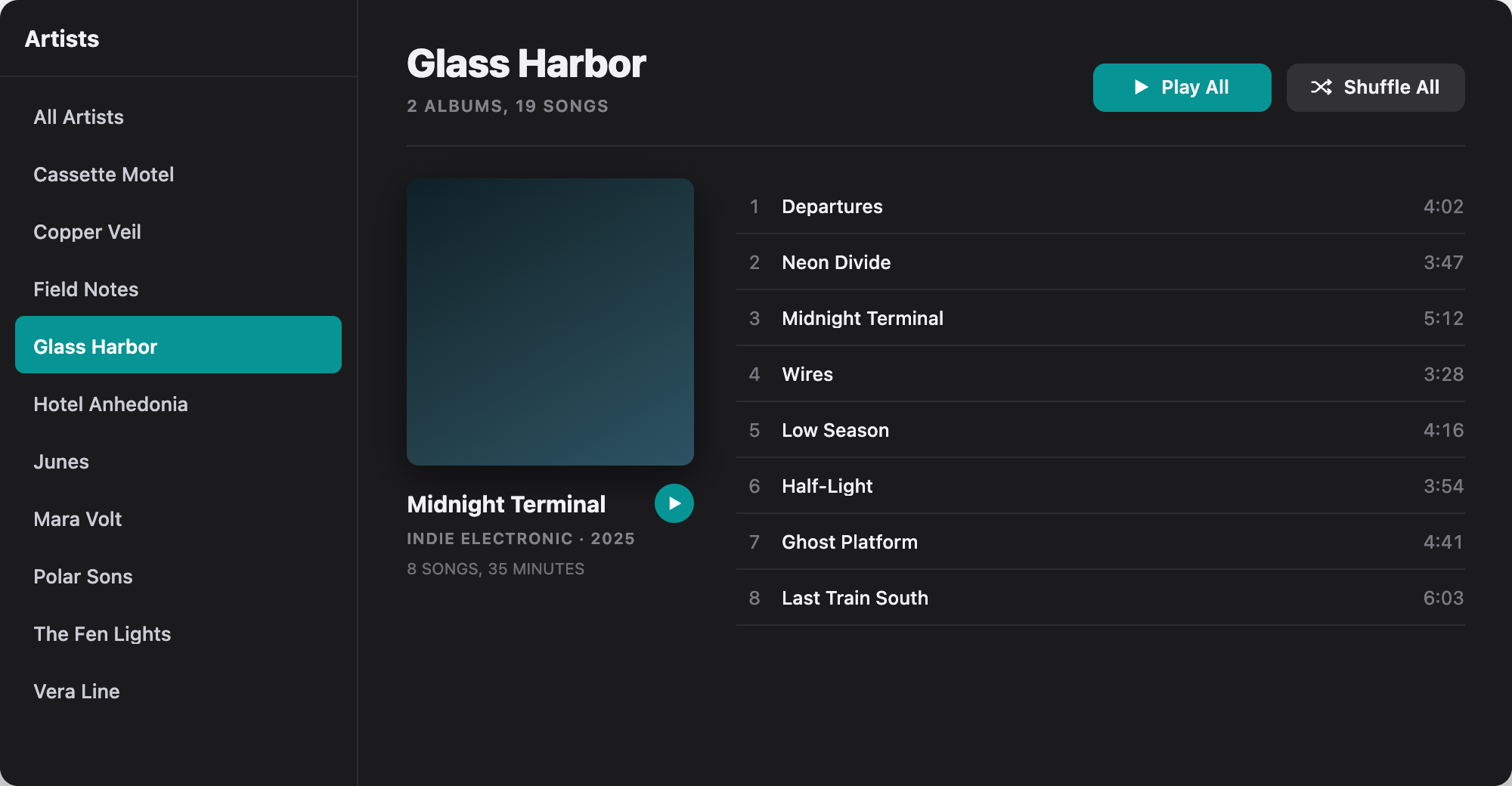
Playlists
Built by hand, kept for life.
Drag songs onto a playlist in the sidebar, or add a whole album from the menu. Playlists stay on your Mac with the rest of your library — and you can back them up as a file whenever you want.
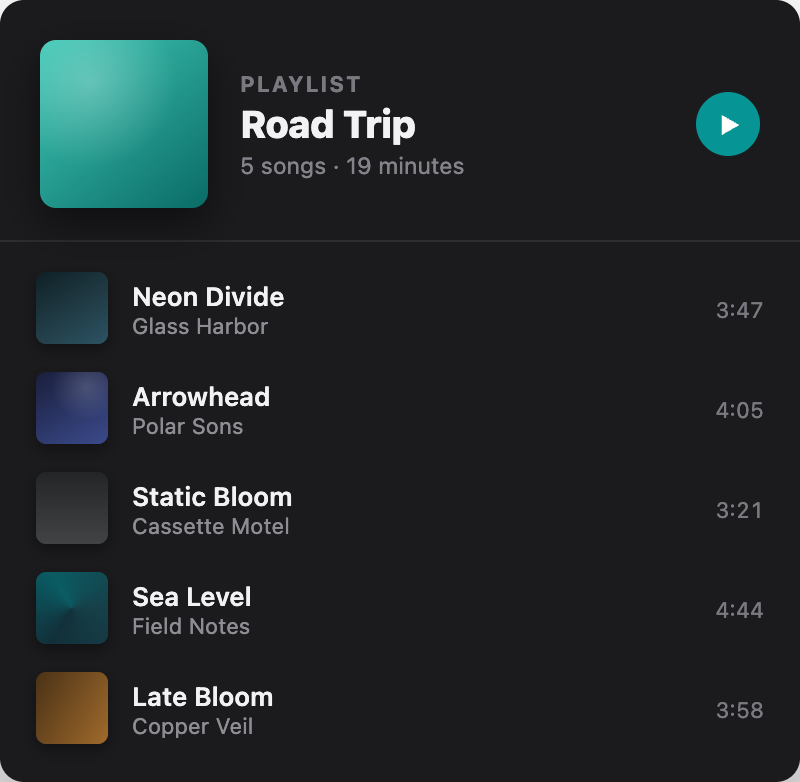
The Queue
Up Next that actually does what you meant.
Play an album, slot a song in next, or reorder with a drag. Up Next is still there when you quit and come back.
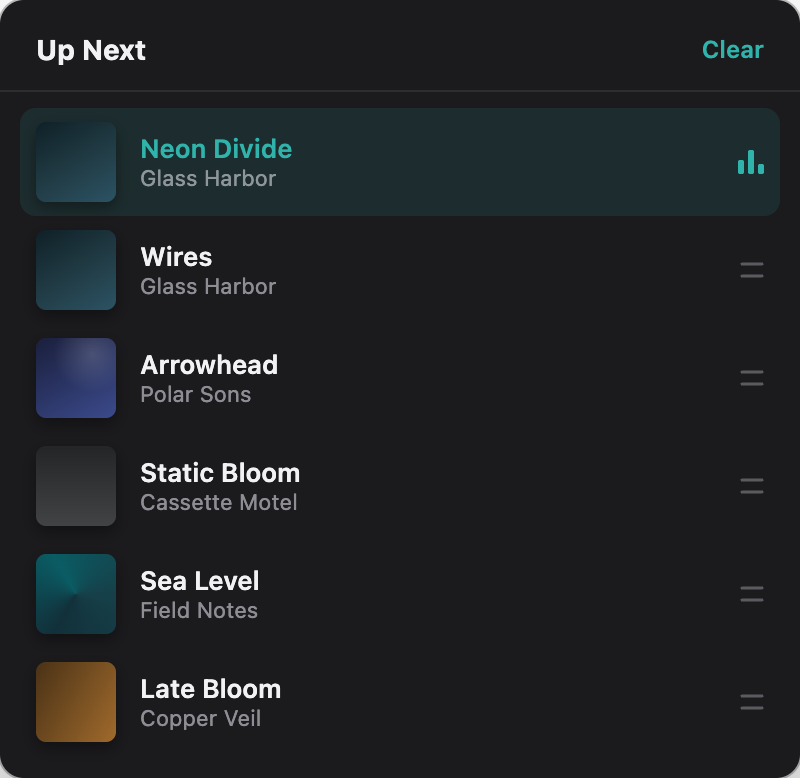
The Equalizer
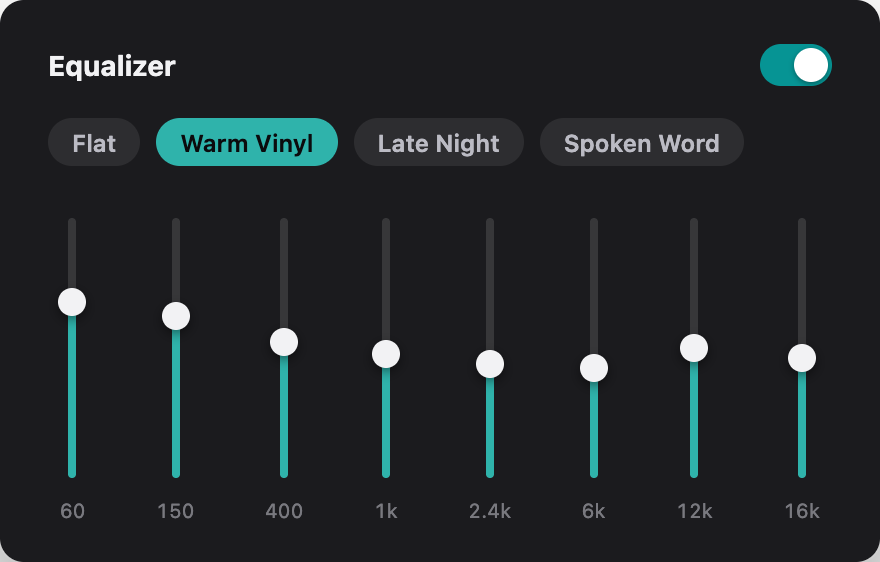
Ten bands, tuned by ear — or by you.
Presets for how you listen — Rock, Vocal Boost, Bass Boost, and more. Drag any band and it becomes your own curve. Turn the equalizer off and the audio is left alone.
Ask for it
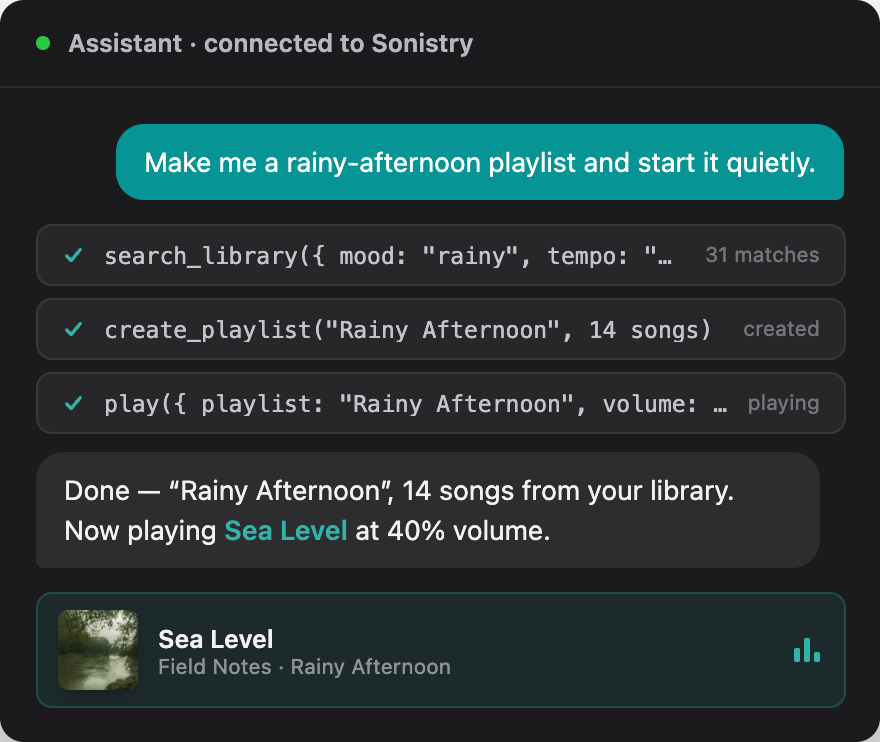
Sonistry is an MCP server. Your AI can DJ.
Connect Claude or any MCP-compatible tool and it can search your library, build playlists, and control playback — all on your Mac, all with your permission.
Bring your library home
Available now on the Mac App Store.
 © 2026 Sonistry.